

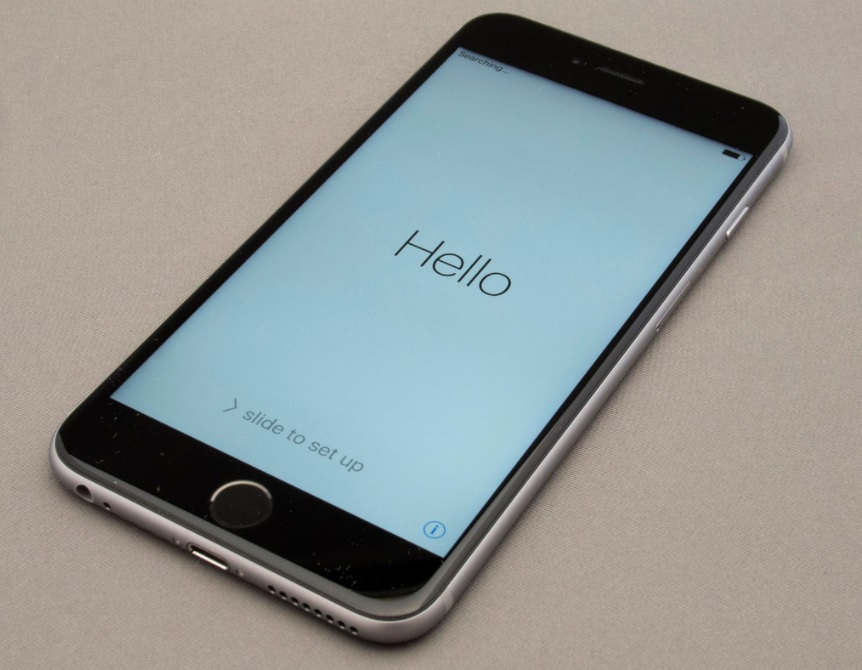
We have discussed that straight-forward it’s not possible to run iPhone 6S without SIM card. Yes, you need a nano-SIM to boot your iPhone 6S or iPhone 6S Plus or any iPhone else it will be struck in the setup screen. Yet, there are some ways that we found with which you can run iPhone 6S without a SIM card and this guide also applies to iPhone 6S Plus as well.
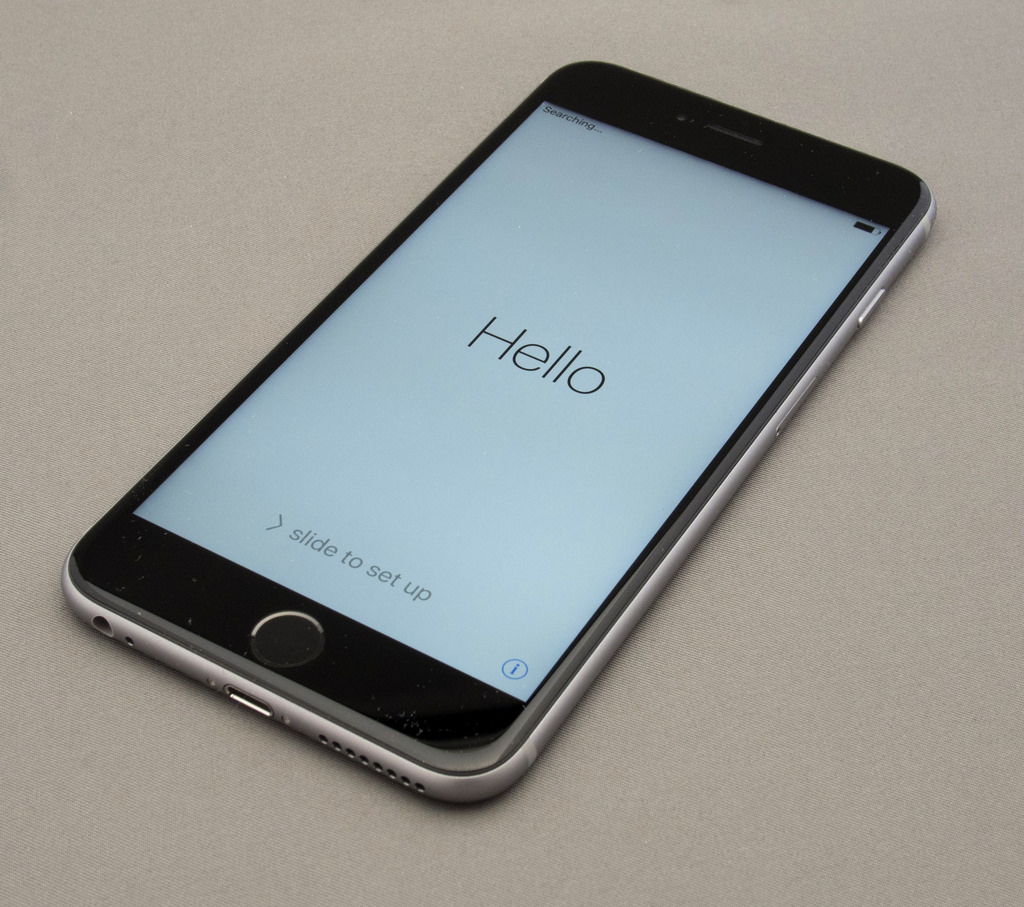
Apple iPhone Activation without SIM Card
Follow the simple method to get your iPhone 6S activated –
- Power on the device first.
- Click on the Home button on your phone.
- You will have the following three options –
- Emergency Call
- Start Over
- Cancel
- You will have to tap on Emergency Call.
- Now dial 112.
- As soon as you dial 112, you will have to press the Power button on your iPhone.
- You will get some pop-up, just press Cancel.
- After that, the call will get disconnected.
And there-on you will be able to get through the iPhone home screen, connect to WiFi and enjoy services without a SIM card.
Method 2: Via iTunes
Another method to activate iPhone 6S without a nano-SIM card is to connect your device to a PC and complete the process mentioned below via the iTunes application –
- Download the latest version of iTunes on your PC and install it. We did it one line but this could easily take 5 minutes of your time. <Download iTunes>
- Using an iPhone 6S USB cable connect your non-activated iPhone 6S to a PC.
- Your iTunes will recognize the device.
- Follow the on-screen process to get to the activation process.
That’s it. You are ready to use your iPhone 6S Plus or iPhone 6S.
In both processes, your Apple ID and password are required. If you don’t have one, please visit Apple.com and signup.
This post was last modified on February 10, 2021 8:16 AM