
Sometimes the iOS device you are using fails to connect to iTunes or the App Store and Game Center but there are enough number of ways to solve this issue.
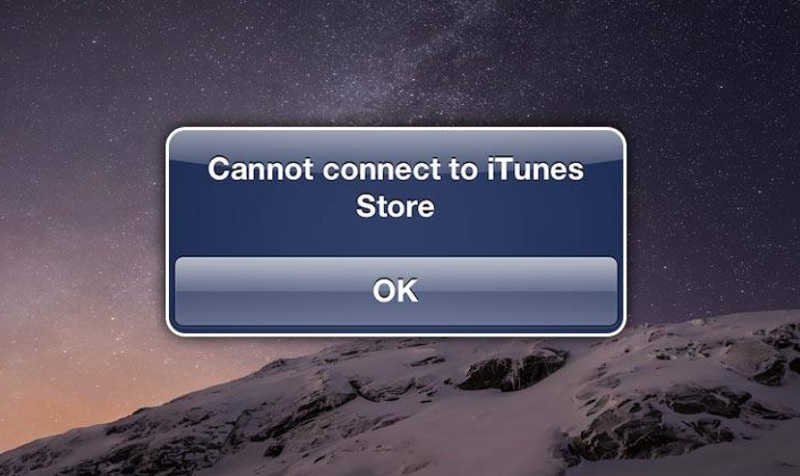
Fix ‘Cannot Connect To iTunes Store’ Error
This guide shows light on how to Fix Cannot Connect To iTunes Store on iPhone.
Check the Internet connectivity
Most of the time the problems occur due to a faulty internet connection, so before you try doing anything with the iTunes settings, check for internet connectivity.
- Make sure the Wi-Fi router is in range.
- Ensure that the PC is being able to connect to Wi-Fi and access the internet.
- Rest the Wi-Fi router by turning it off and on again.
- Troubleshoot your Wi-Fi network and connections to be sure.
Disable/Enable Parental Controls on iTunes
If your internet connection is fine and running, try the commonest way to solve the issue.
- Launch iTunes.
- Go to the ‘Preferences’ option from the top menu.
- Go to the ‘Parental Control’ tab.
- Disable the access to iTunes Store and enable access to iTunes U.
- Quit iTunes.
- Re-launch iTunes to see if it directly goes it iTunes U.
- If this is done, go to ‘Parental Control’ again and enable the access to the iTunes Store.
- Quit iTunes and open it again to confirm connection is okay.

Switch to 3G
If the problem persists even when the Wi-Fi is running fine, you might need faster connectivity.
- Switch to 3G or 4G.
- Exit App Store or the iTunes app.
- Open it again.
Date-change method
Though we don’t know what the connection between iTunes and Date settings could be, this method works.
- Go to Settings.
- Go to General Settings.
- Go to Date and Time.
- Switch on Automatic date change.
- Exit iTunes and reopen to see if it worked.
Cannot Connect To iTunes Store on Apple TV
If you see the same error of unable to connect to iTunes on your Apple TV, then do the following :
—-> You Should update the software version on your Apple TV to the latest version available, i.e., update the tvOS version to the latest firmware.
Ensure that you have the latest software on your device. Ensure that the Mac OS X, iTunes and Safari are all updated to the latest versions.
This post was last modified on January 2, 2019 8:38 AM