

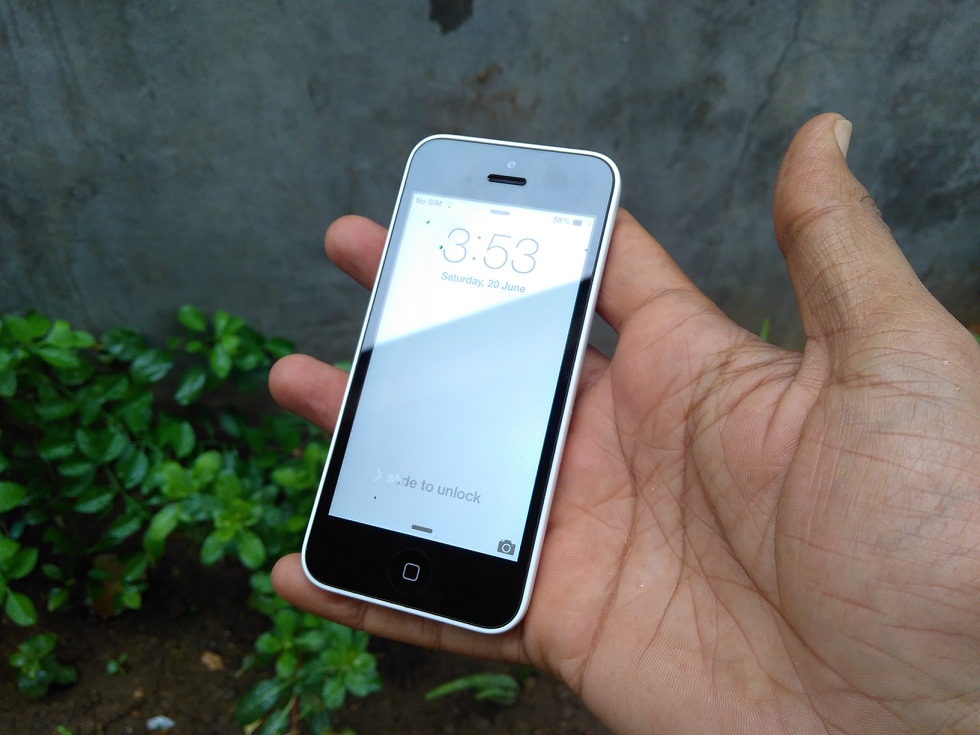
Hey! Are you frustrated with Bluetooth Connectivity problem in iOS 8 and higher? Do you know why this happened with iOS 8? Do you want to fix it? Then what are you waiting for?
Read this post now and get solution to your problem.
Fix iPhone Bluetooth Connectivity Problem
In iOS 8, Bluetooth Connectivity problem may fall into one of the symptoms –
- It disconnects the call when it is connected.
- Problem arises whenever paired with wireless headsets, speakers etc.
- Refuses to pair with car audio system completely.
- Problem arises in playing song in the car via mobile.
Solve iPhone Bluetooth Connectivity Issues
There are basically two methods to fix the Bluetooth Connectivity issue in iOS 8. So, let’s check it out both the methods and fix the connectivity issue in just few minutes.
Method 1
Most of the people do not like this method to fix the connectivity issue, just because this method is very long and time consuming. The process is very length and hectic. So, mostly people hate this method. So, let’s check it out this lengthy method.
In this method, you have to reset your phone to factory settings. You have to start from scratch in this method and begin from new. Many people find this method very useful and have experience no error after following this method. But, this solution is a temporary in nature and stops the error message only for a short time.
Method 2
Another method to fix the connectivity issue in Bluetooth is also a temporary one. You can get rid of the error message when you logged out of iCloud with forgetting the Bluetooth connected device. This solution is also temporary and does not last for a very long time.
Hope, you are clear both the methods that helps you to fix Bluetooth Connectivity issue in iOS 8. So, whenever you encounter with any connectivity issue and follow these methods and enjoy!