

In this guide check out How to Fix iPhone WiFi Hotspot Problem and Issues.
If you are not being able to use your iPhone as a Hotspot a lot of problems may occur for you because many people depend solely on their Wi-Fi hotspot for Internet connectivity. iOS is a lot different from Android or any other operating system, it might get a little difficult to solve issue with it because not many people have an iOS phone. Personal Hotspot on iOS works on Wi-Fi and Bluetooth from the phone. Sometimes either the Hotspot or the Wi-Fi or the Bluetooth is not working so you might need to restart all of them if you cannot figure out what caused the problem.
Here are a few easy steps to perform to fix this problem in the simplest way. You can see that most of the time it works because these are the common times of issues that use to occur, so take a look.
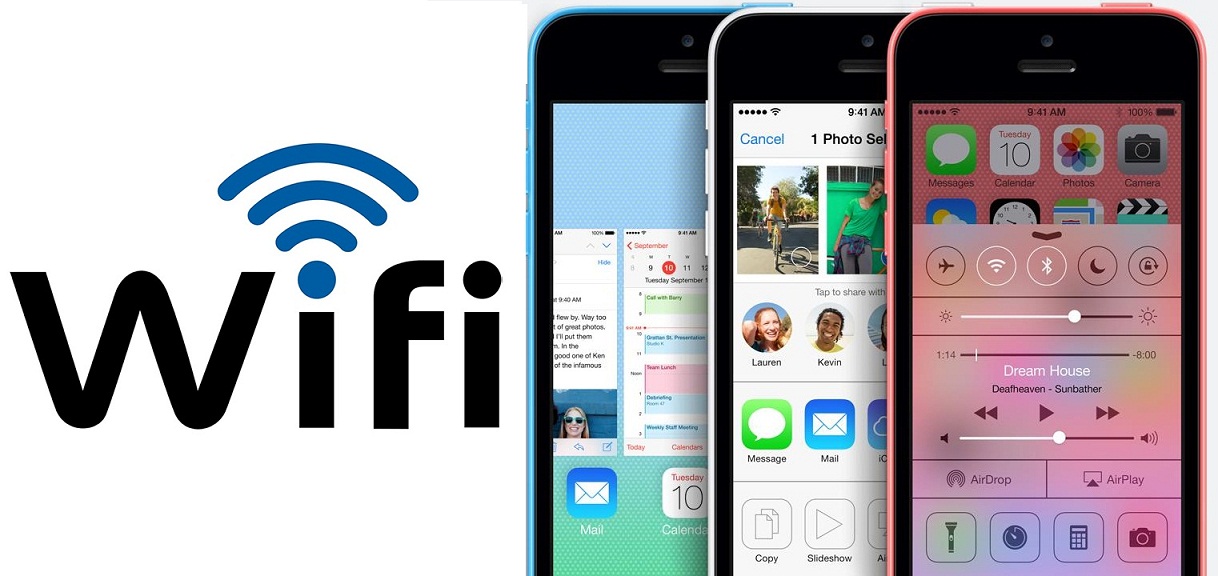
Fix iPhone WiFi Hotspot Problem
All you need to do in order to create a Hotspot is toggle the enable Hotspot key and then activate Wi-Fi and Bluetooth as instructed. But sometimes this does not work and you cannot figure out why. So here is some knowledge you will find useful to deal with this issue.
- An iPhone WiFi Hotspot works only when the personal Hotspot page is opened. When the screen is closed it tries to connect to Wi-Fi. Hence, ensure that the screen is active when you want to activate the Hotspot connection and go to the home screen only when it is already connected.
- Sometimes even if the Hotspot toggle is on the option to turn on Wi-Fi or Bluetooth does not appear so the Hotspot is blankly on with no other device to communicate with. Always remember to turn on the Wi-Fi and Bluetooth even if there was no automatic prompting.
APN Settings for Unlimited Data
Share all your questions and queries and they will be answered by experts here. If this process did not help you, contact your service center for software bugs.
This post was last modified on October 31, 2022 11:18 AM