

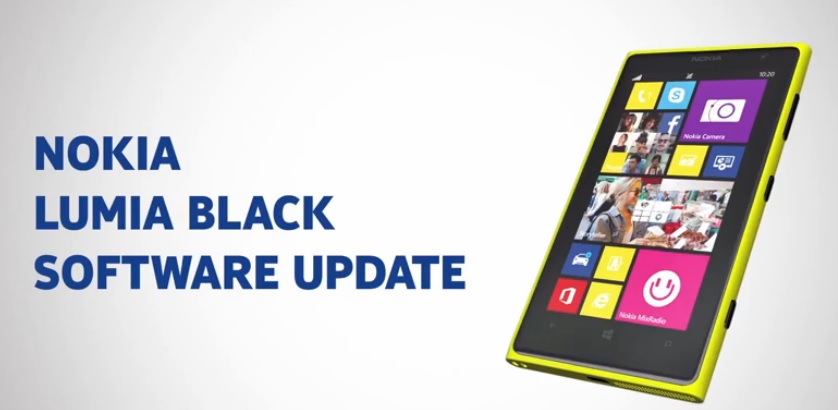
Nokia releases Lumia Black Update to All Windows Phone 8 SmartPhone. Check the Lumia Black update features, improvements.
Software update to Nokia Lumia phones is a rare phenomenon. After Windows Phone GDR3 update dated in October 2013, here comes the biggest of all the Windows update to Lumia phone family.
Lumia Black Update
This Lumia Black update will bring a large number of improvements on your existing Lumia phones. The biggest of them all, you will be able to organize your phone accordingly in folders. Within folders you can personalize or group similar apps and Settings under or the other folder.
Eligible Devices List – Nokia Lumia 1020, Lumia 925, Lumia 920, Lumia 820, Lumia 720, Lumia 625, Lumia 620 and Lumia 520.
Nokia Lumia 1020 and Lumia 925 are the first devices to receive the Black Lumia update and it up in many regions worldwide. Other Lumia phones will receive this update in coming days.
Features & Improvements
Nokia Lumia Black update features –
- Nokia App Folder
- Nokia Glance Screen 2.0
- Bluetooth LE support
- Numerous camera feature addition & fixes
- Adds Nokia PureView Camera App
- Storyteller app too added
- Driving Mode
- Nokia Beamer
How to Get This Update
On your phone head to Settings and then tap on Phone Update. Now tap on Check for Update and the system will notify about the update availability. Tap on Download and then after few minutes Install to begin process of installing.
Via: Nokia Conversations