

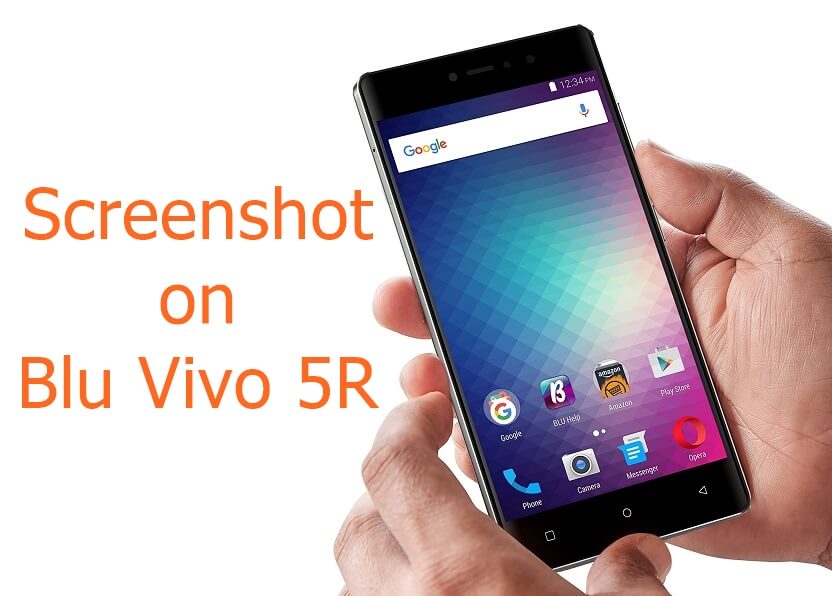
Screenshot on Blu Vivo 5R : Blu recently launched Vivo 5R smartphone in USA which costs just $200. Checkout how to take screenshot on Blu Vivo 5R handset. It’s the latest Blu cell phone.
Screenshot on Blu Vivo 5R
Taking screenshot on Blu Vivo 5R or any other smartphone is a default Android property and it’s quite easy to do.
In terms of specifications, the Blu Vivo 5R comes with stunning 5.5 inch full HD display and beautiful 13 mega pixel rear snapper with Sony IMX258 image sensor & f/2.0 aperture to take beautiful photos. It has fingerprint sensor incorporated on the back [just below the camera]. Other specifications of the device includes 3150 mAh battery, 8 gigs of internal storage, Octa core processor with 3 GB RAM and runs on Android 6.0 Marshmallow out of box.
Follow the process mentioned below to take Blu Vivo 5R screenshot handset –
- You should press and hold the Volume DOWN and Power button together for few seconds.
- Within few seconds you will hear shutter and also see notification on your device.
- The screenshot is now taken.
If you don’t see anything, then try again. You might end up doing some or the other actions if your timing is wrong. But at the end Volume Down + Power button will only work for you.