

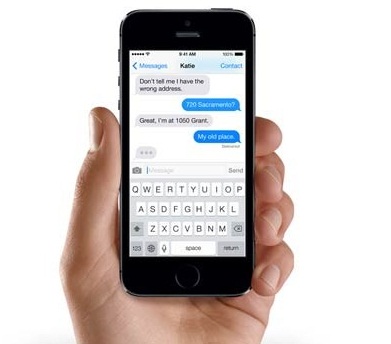
The iMessage app of Apple iPhone features an interface that is similar to well known chat messengers like yahoo, Facebook etc. It may irritate sometimes when you like to share multiple messages to a specific person and iMessage ask to send the messages separately. That is such a silly thing as it even spams the recipient to whom you are sending messages. However, on the other hand, if you copy your messages separately and share it thereafter, it will be a long process.
Merge iMessege on iPhone
It will be a waste of your valuable time copying messages one by one and sharing it to your recipient. Well, you don’t need to worry as we have simple tip for you to follow that can merge iMessages quickly and easily combine multiple messages into single message and thus you can share it with anyone you want.
Here are some simple steps to merge iMessages quickly on your iPhone.
- First, open the iMessage app on your iPhone.
- Tap-hold the 1st message you would like to share.
- A pop-up menu will display on your screen. Click ‘More’ in the menu.
- This will put check mark bubbles before the messages. Simply you have to check the message boxes that you want to merge.
- You will see a white check mark inside blue circle.
- Click on the arrow appeared at the bottom, which will open a fresh message containing text that you have checked.
- Add contact and click on send button.
That’s all, your multi-messages will be send to the recipient.