

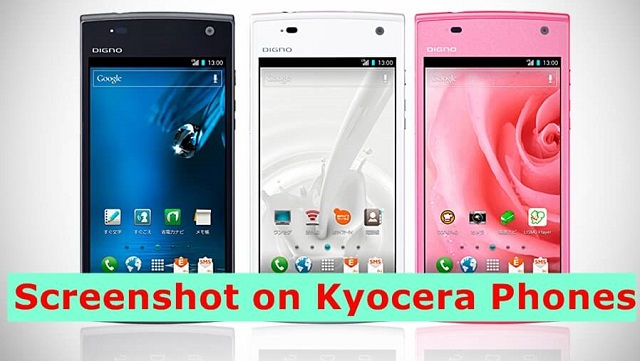
In this guide check out how to take a screenshot on Kyocera Android phones.
Kyocera is one of the popular Android smartphone makers and its supplies smartphones to the United States mobile operators specially for offering in the prepaid or non-contract smartphones.
Going on with recently launched smartphone news, the Kyocera Hydro Reach is the one launched for Boost Mobiles.
Screenshot on Kyocera Android Phones
One of the easiest ways to take a screenshot on any Android smartphone is using the hardware combination of buttons that are already available on any Android phone.
To take a screenshot on Kyocera Android Phones just follow the process mentioned below –
- Please press and hold both power button and volume down button together.
- If you have pressed it correctly, then you will see Flexi animation on your device display and also you will hear shutter click sound.
- If you didn’t get any of the above, means that screenshot wasn’t taken. Just try and repeat the process again and again until you get it.
- This is a default Android property and it should work on all the Android smartphone irrespective of the mobile operator.

Note: All the screenshot taking are saved in an auto-created folder named as screenshot under gallery. If you want to access that you can access it using a file manager on your device.
So that’s how you can take a screenshot on Kyocera Android phones. Thanks for reading this is your host Yogesh Khetani signing off.
So that was a quick guide check out how to take a screenshot on Kyocera phones.
This post was last modified on January 12, 2020 7:49 PM