In this guide checkout how you can take screenshot on Nokia 6 smartphone easily.
Nokia 6 is the first Android phone by Nokia, infact its also the first Nokia Nougat phone. After going through it’s specifications, here we go through text guide on how to take screenshot on Nokia 6 smartphone [ Nokia 6 screenshot or screen capture].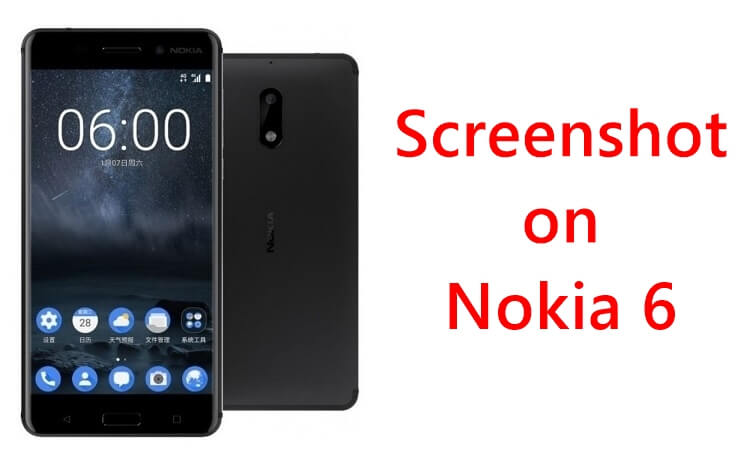
Screenshot on Nokia 6 Smartphone
There are many different ways to achieve the Nokia 6 screenshot. We are talking about the photo snap of the screenshot not the screen recording of what you are doing on your newest Nokia Android phone.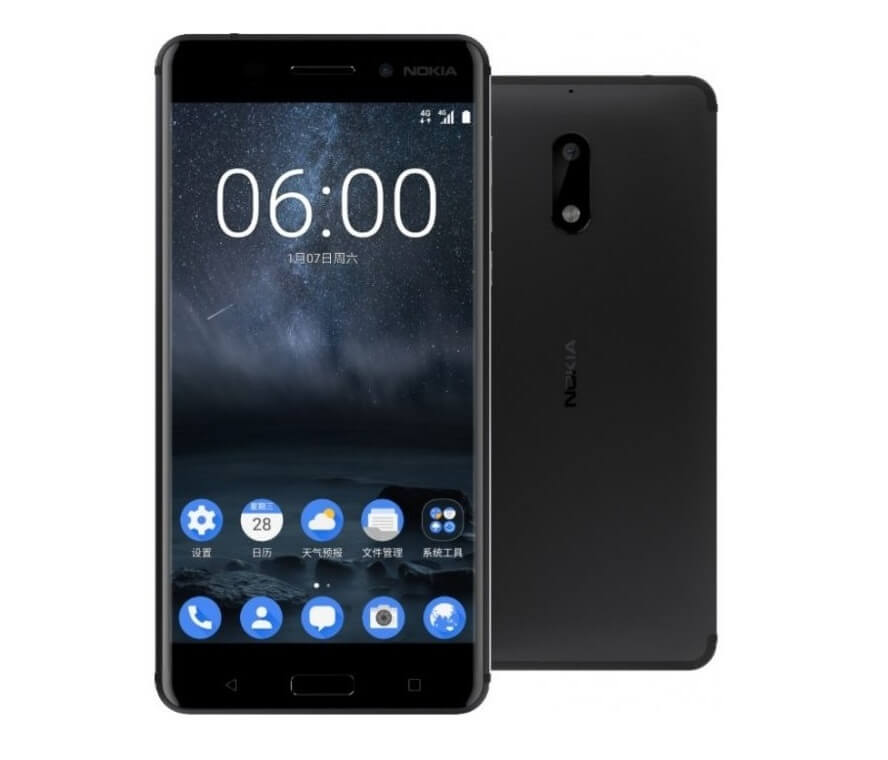
Many would be thinking it’s hard to achieve screenshot on Nokia Android phone but it’s actually very simple and straight forward. You will not have to do anything special in order to achieve Nokia 6 screen capture. Just follow the process mentioned below.
Taking screenshot on Nokia 6 or any Android phone comes as the default Android property. So any phone, just follow this process –
- You should make sure the press the Home Button the Power button together at once. Remember the timing here is very important. Press the buttons together.
- If you are successful then you will hear a shutter sound and also the new screenshot will show up in the notification panel. There will be also flashy animation on your device as well.
All the screenshots that you take on your device are saved in a separate folder called as Screenshot under Gallery. You can access them using File Manager on your Android phone.
So, that’s it! That was simple and straight-forward.