Shareit for MAC: SHAREit now makes the history as the fastest way to send files between WiFi enabled devices. In the previous guide, we have seen how to get SHAREit for Windows phone & PC. In this guide, we will help you to get SHAREit for MAC. We only have a single method available to get SHAREit on MAC laptop.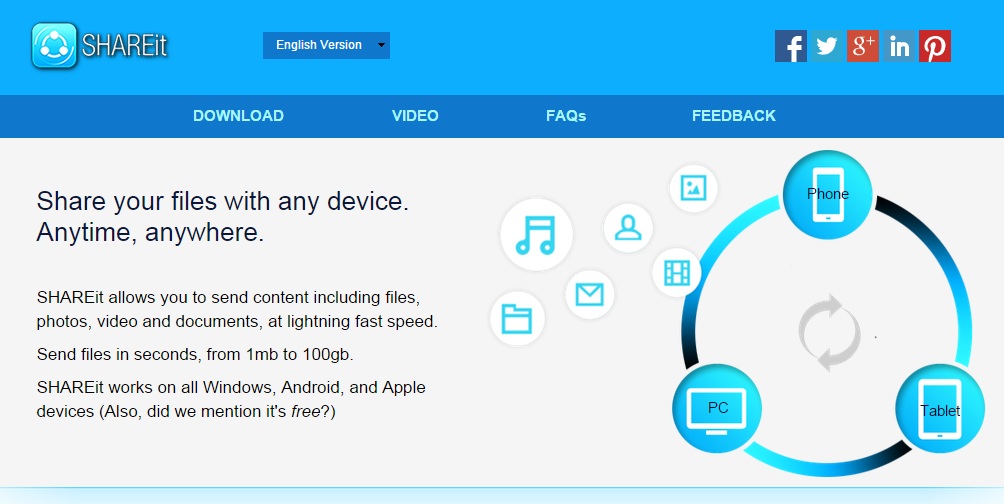
Once you have Shareit on your Mac computer, you can easily share files between tablet, Android phone or iPhone or even other PC to and fro. It’s the most trusted method to send data wirelessly and this tool is officially by Lenovo.
Download SHAREit for MAC PC
Follow the process mentioned below to download Shareit app for Mac –
- Download the installer package for MAC device.
- Start the installation process and follow the on-screen instructions.
- A Finder menu will be opened. Drag the BlueStacks application into the Application folder. It may take some time.
- Click on Launchpad, Open the BlueStacks app, and click on Accept buttonto start it.
- You’ll see a simple Android like interface.
- Create an account in Google play store.
- Search for SHAREit app in the store.
- Click on the Install button and accept the terms and conditions.
- Wait for the installation to complete.
Go to All Apps section of the BlueStacks app player and launch the app to begin using its services of free and fastest file sharing using the Wi-Fi technologies.
Watch Shareit in action real-time [sharing files in between two phones] –