

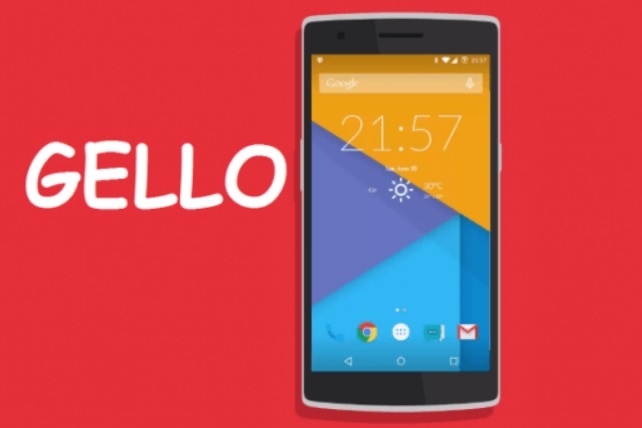
The CyanogenMod team has developed several useful apps for the Android platform. Few to name them are Boxer email client, AudioFX, and ThemeStore. The CyanogenOS itself is one of the most popular customized Android version and OEMs to loving it. Very recently the team introduced Gello Browser for Android and in this guide, we have provided Gello Browser apk, alongside instructions on how to install it on any Android handset.
Gello Browser APK
The Gello Browser APK is useful when this browser installation isn’t working for you officially. APK are alternate file installation for Android.
The Gello Browser comes out from a year in making. It was first teased in 2015. The Gello Browser is intended for CyanogenMOD 12 and above builds but developers have right to push it to any Custom ROMs.
Basically, this means that Google Chrome for Android now has worthy competitor since people have complained that Google Chrome occupies a large amount of space on the device and eats a major portion of RAM.
With the features that Gello browser provides, users will definitely love it.
The Gello apk of the browser does support many devices. People have confirmed working on Samsung Galaxy S9, OnePlus 6 and it should work on your existing Android phone as well.
Installing Gello Browser APK on Android
Follow the process mentioned below –
- First of all you should make sure that app installation from Unknown Sources is selected Under Settings.
- Do it if you haven’t because it’s required since we are installing a non-official Android app. That’s OK, nothing will happen to your phone.
- Now download the Gello browser apk directly on your mobile.
- Install it using any File Manager app that you use.
Open it from App drawer.
It’s time to start browsing and enjoy the love of Gello from the Cyanogen team.